The final step of a great shoot.

Deliver photos.
Collect feedback.
Finish the shoot.

Beautiful client galleries. Every selection and request in its place.
From your final export to their final approval.

Your photographs. One organised shoot. Ready to share.
Studio overviewNorthline Studio
Your creative workspace

Your studio, at a glance.

New shoot

Form & Light

Opening night · 3 photographs

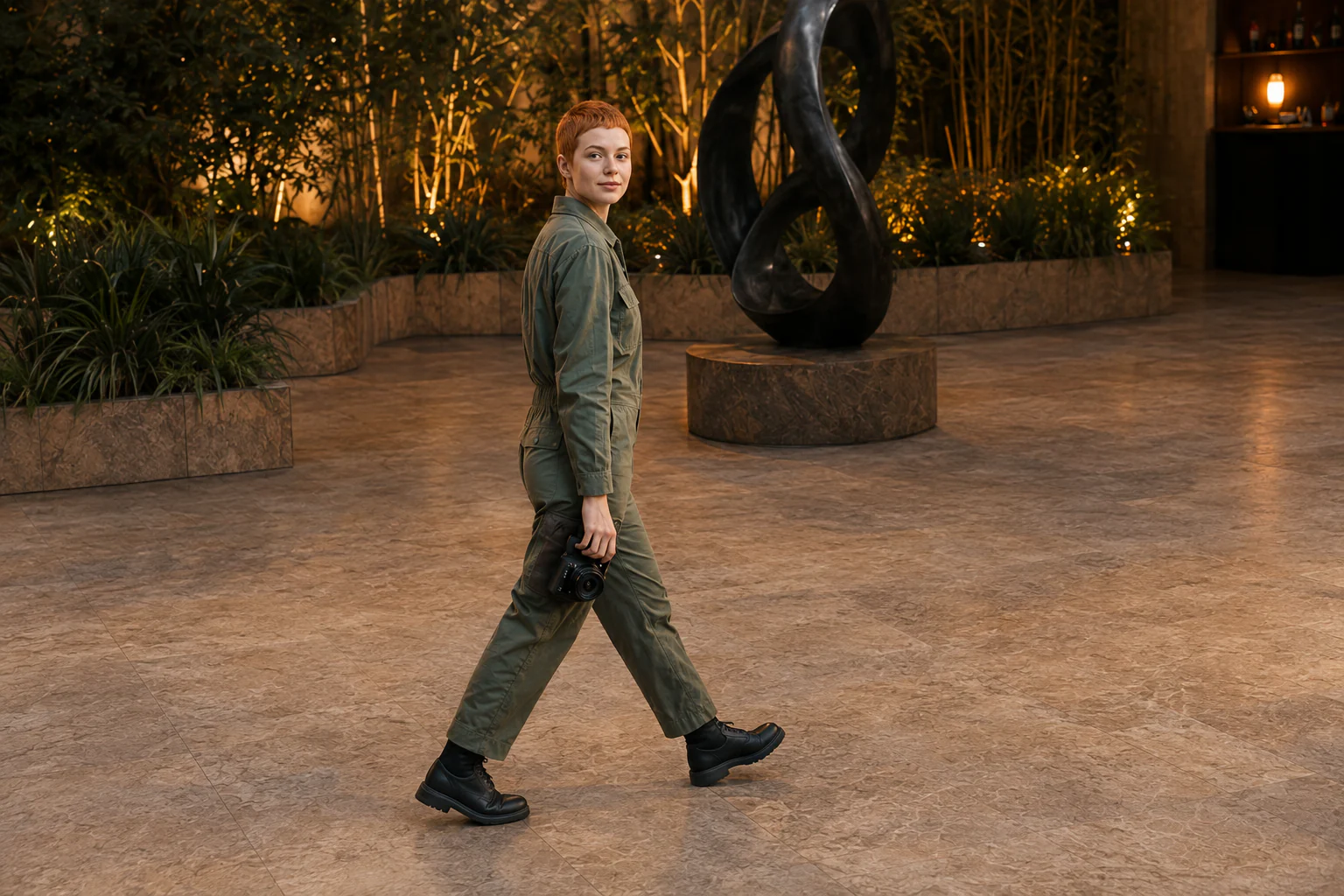
P01Event portrait of two creative professionals
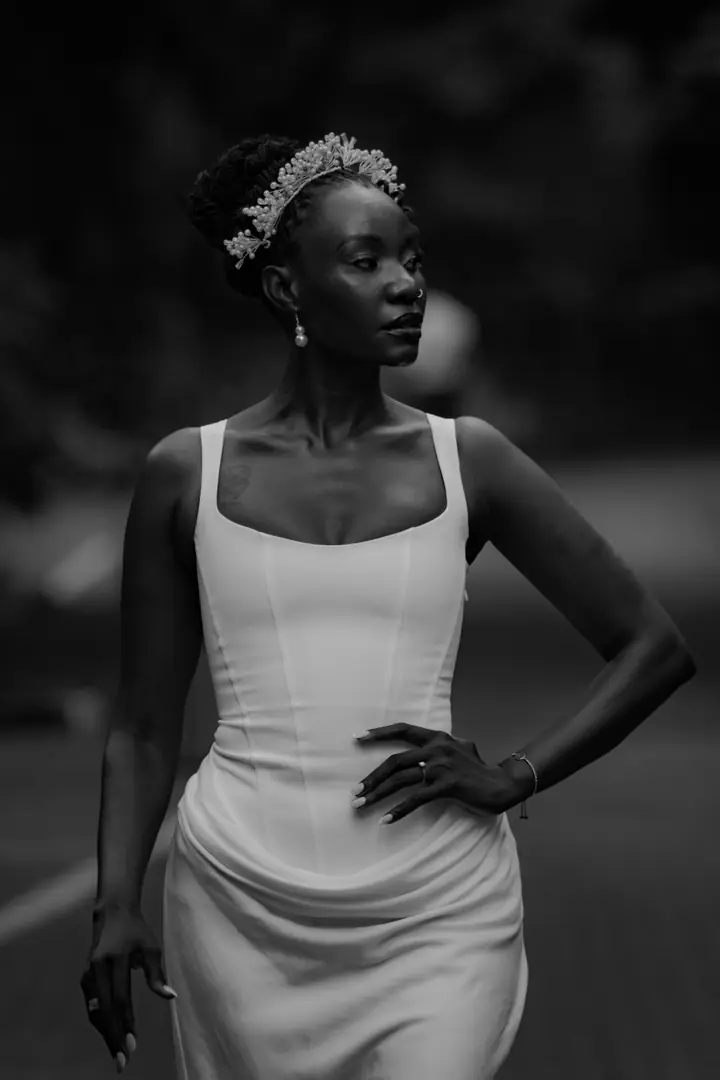
P02Two guests sharing a candid laugh
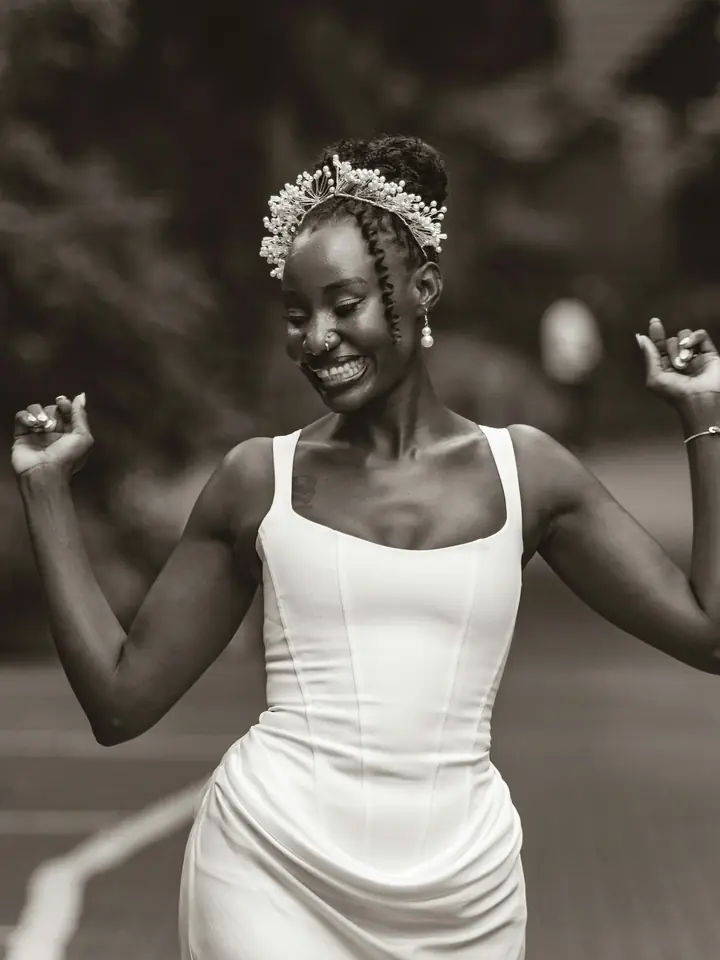
P03Candid photograph from the opening-night event
Receiving photographs… 3 photos ready

How it works

From upload to finals, in one link.

No albums, no client accounts, no back-and-forth over email. The same gallery carries the shoot from first look to final files.

  1. 1

    Upload the shoot

    Drag in a folder of JPGs, PNGs or WebPs. SendShoot builds fast previews and keeps your originals private and untouched.

    Adaeze · Bridal portraits

    Uploading 31 of 48 · 12 MB/s

    65%
  2. 2

    Send one link and a passcode

    Every shoot gets its own link and 4-digit code. Email it from SendShoot, copy it into a message or print the QR card.

    Passcode7429
  3. 3

    Your client picks favourites

    Ask for picks and they heart the photos they love, add a note where something needs a touch, and send you the list.

    Note on DSC_0412

    “Love this one. Could you soften the shadow on the left?”

    Adaeze · 5 of 12 picked

  4. 4

    Deliver the finals

    Tick the picks off as you edit, then drop the retouched files back in. They match by filename and replace the proofs.

    5 matched of 5

    Email sent to Adaeze

    DSC_0412.jpg

    Replaced the proof

    Final
    DSC_0418.jpg

    Replaced the proof

    Final
    DSC_0431.jpg

    Ready to deliver

    Edited

Features

Everything the delivery needs. Nothing it doesn’t.

SendShoot does one job, delivering a shoot to the person in it, and does every step of it properly.

  • Passcode-protected galleries

    Each shoot gets a private link and a 4-digit code. Regenerate it and old codes stop working, or switch the link off entirely.
  • Favourites with notes

    Clients heart photos and leave a note on any of them. Ask for a number and a deadline, and SendShoot reminds them before it.
  • Picks become your checklist

    Tick photos off as you edit. Copy the filenames, or export them as a text file for your editing app.
  • Finals matched by filename

    Drop the retouched files back in and they replace the proofs in place. One gallery, not three albums.
  • Full-size downloads and ZIPs

    Choose view only, web size or full size per shoot. Big galleries zip in the background and the link arrives by email.
  • Expiry you control

    Links close after 30, 60 or 90 days. Extend or reopen in one click, and clients can ask you to reopen.
  • The right email, once

    You hear when picks arrive or a photo is sent back. Your client hears when the finals are ready. Nothing more.
  • Made for your client’s phone

    The client gallery is built mobile-first: big photos, one tap to heart, nothing to install or sign up for.
  • Know when to follow up

    Opens, downloads and picks land in each shoot’s activity feed, so you can remind a quiet client in one click.

Your dashboard

Every shoot, in one plain sentence.

Stop keeping a spreadsheet of who has picked, who has paid attention and who is still waiting.

  • Each shoot shows one sentence and one next step: share, remind, see picks or copy the link.
  • Statuses follow the shoot on their own, from draft to delivered. Nothing to update by hand.
  • Preview any gallery exactly as your client sees it before you send it.
Adaeze · Bridal portraits

5 of 12 hearted · last opened 2h ago

Tobi & Kemi · Traditional wedding

12 on your list · 4 done · 2 with notes

Chioma & Ike · Engagement

64 photos · shared 2d ago · opened 12×

Ngozi · Bridal

24 delivered · 1 sent back

A SendShoot dashboard listing four shoots, each with a status and one next action: awaiting picks, picks in, live and delivered.

For your client

What your client never has to do.

The best delivery is the one your client doesn’t have to think about. Four things SendShoot keeps off their plate.

  • Create an account

    They open your link and type four digits. That’s the whole sign-in.
  • Remember a password

    The passcode is remembered on their device for 30 days.
  • Install an app

    The gallery works in any browser, on the phone they already hold.
  • Dig through albums

    Finals replace the proofs in place, in the gallery they already know.

Pricing

Start free. Upgrade when your archive grows.

Every plan has every feature. You only pay for how much you keep online.

  • Free

    Try it with a shoot or two.

    $0/ month

    No card needed

    • 5 GB of storage
    • 3 live shoots at a time
    • Up to 300 photos per shoot
  • Basic

    For photographers delivering a few shoots a month. About 25 shoots of stored originals.

    $12/ month

    Billed monthly

    • 100 GB of storage
    • Unlimited live shoots
    • Up to 1,000 photos per shoot
  • Pro

    For a full-time photographer whose back catalogue keeps growing. About 100 shoots of stored originals.

    $24/ month

    Billed monthly

    • 400 GB of storage
    • Unlimited live shoots
    • Up to 2,000 photos per shoot
  • Business

    For studios delivering at volume, or keeping years of galleries live. About 300 shoots.

    $48/ month

    Billed monthly

    • 1.2 TB of storage
    • Unlimited live shoots
    • Up to 3,000 photos per shoot

Included on every plan

  • Passcode-protected galleries
  • Client picks with per-photo notes
  • Finals matched by filename
  • Full-size and ZIP downloads
  • Email updates and pick reminders
  • QR share cards

Prices in US dollars. Change plan or cancel any time from Billing.

FAQ

Questions photographers ask.

Anything else? Sign up free and look around. The dashboard explains itself.

SendShoot is an online client gallery for photographers. You upload a shoot, send your client one private link with a 4-digit passcode, let them pick their favourites with notes, and deliver the retouched finals back into the same gallery.

No. Clients open the link on any phone or computer and type the 4-digit passcode. Their browser remembers it for 30 days, so there is nothing to sign up for, install or reset.

Turn on “Ask for picks” and, if you like, say how many and by when. Your client hearts photos, adds a note to any of them and sends you the list. You get an email and a checklist of filenames you can copy or export for your editing app.

Drop the retouched files into the shoot. SendShoot matches them to your client’s picks by filename, replaces the proofs in place and emails your client that their finals are ready. If they want a change, they can send a photo back with a note.

Yes, if you allow it. For each shoot you choose view only, web-size downloads (2048 px) or full size plus web size. Clients can save single photos or the whole gallery as a ZIP.

Links expire after 30, 60 or 90 days, whichever you choose. You can extend or reopen a gallery in one click, and clients can ask you to reopen an expired one. Expired shoots are deleted 90 days after they expire.

JPG, PNG and WebP images up to 100 MB each. SendShoot makes fast previews for the gallery and keeps your originals untouched for download.

Yes. Originals sit in private storage and are only served to you and to someone with the link and passcode. Regenerating the passcode signs everyone out, and you can switch a link off at any time.

There is a free plan with 5 GB of storage, 3 live shoots and no card required. Paid plans start at $12 a month, billed in US dollars, and you can cancel any time from Billing.

Your client is waiting for their photos.

Send your next shoot with SendShoot. Start on the free plan and upgrade when your archive grows.