Client proofing
Client proofing, without the spreadsheet.
Turn on “Ask for picks” and your client hearts the photos they love, leaves a note where something needs a touch, and sends you the list. You get a checklist of filenames, ready for your editing app.
Free plan · no card needed
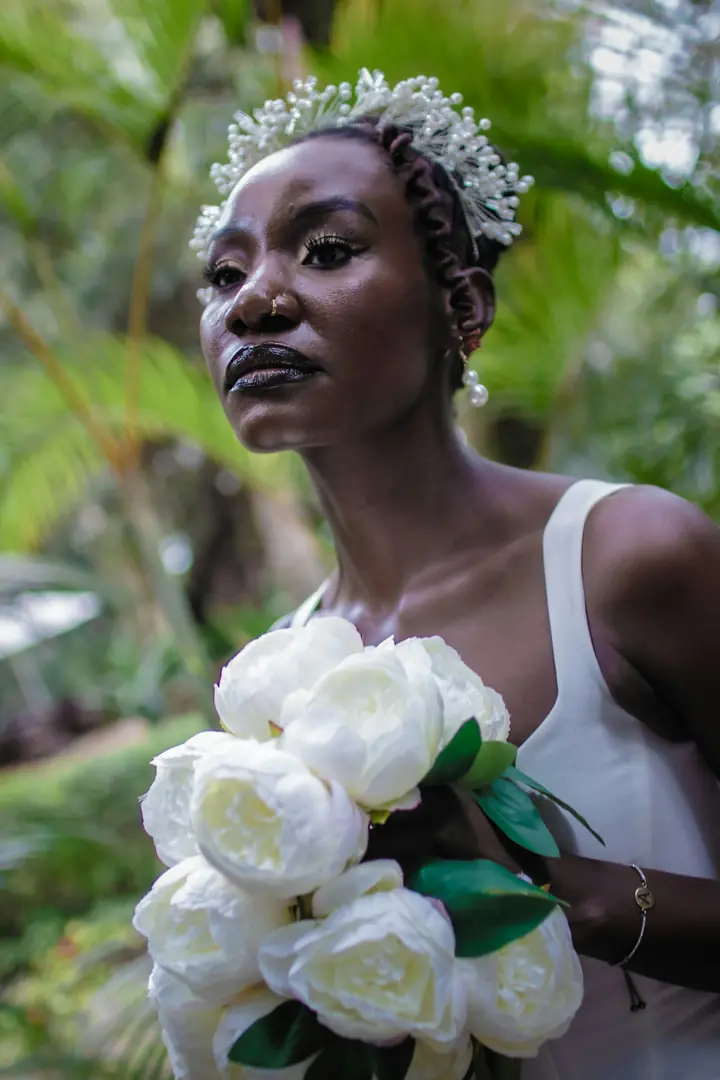
Note on DSC_0412
“Love this one. Could you soften the shadow on the left?”
Adaeze · 5 of 12 picked
Why it works
Proofing clients finish, and you can work from.
Picks stay attached to the photos they’re about, from the first heart to the delivered final.
How it works
From first look to a finished list.
The problem
Why proofing by message breaks down.
The usual way goes like this. You share a folder, and a week later a message arrives: “DSC_0412, 0418, and the one where she’s laughing by the window.” You scroll back and forth to match the descriptions to files. Then a second message changes three of them.
Client proofing in SendShoot keeps each choice attached to the photo itself. Hearts and notes live on the frame, the list has a clear “sent” moment, and you work from a checklist rather than a conversation. When you deliver, the retouched file replaces the proof in the same spot, so your client sees their choices come back finished.
If you’re setting up proofing for the first time, our guide on how to let clients choose their photos covers how many to show, deadlines and what to do when clients pick too many.
FAQ
Questions photographers ask.
No. They open your link, type the 4-digit passcode once and start hearting. SendShoot never asks them for an account or an email address to pick.
You set a number as a guide, for example the number of retouched images in your package. Clients see their progress, and if they try to send more or fewer, SendShoot asks them to confirm first.
Yes. They can take a pick back, and you’ll see it in your list. Photos you’ve already delivered can be sent back with a note if they want another pass.
Yes. Anyone with the link and passcode sees the same gallery and the same picks, because picks belong to the shoot rather than one person.
Yes. Every plan includes every feature, proofing included. Plans only differ in storage and limits.
Your client is waiting for their photos.
Send your next shoot with SendShoot. Start on the free plan and upgrade when your archive grows.