For portrait photographers
Let clients choose. You retouch what matters.
Show the whole session, let your client choose the frames they want retouched, and deliver them polished in the same gallery. No contact sheets, and no filename lists in your inbox.
Free plan · no card needed
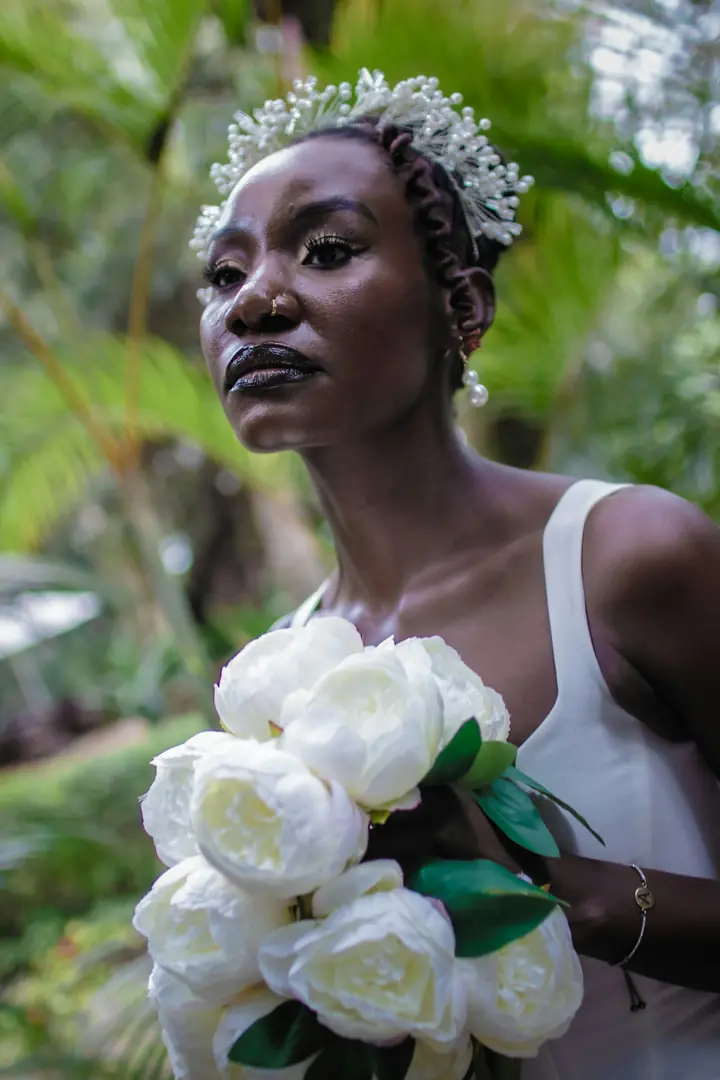
Note on DSC_0412
“Love this one. Could you soften the shadow on the left?”
Adaeze · 5 of 12 picked
Why it works
Proofing that fits a portrait package.
Whether your package includes five retouched images or fifty, the picks come back clean.
How it works
From session to finished portraits.
Why it matters
Proofing is where portrait sessions stall.
Clients love the session, then freeze when asked to choose. Too many options, no sense of how many they’re allowed, and no deadline means the gallery sits unopened while your editing queue waits.
A clear number, a clear date and a simple way to choose fixes most of that. SendShoot shows clients how many they’ve picked against the number you asked for, sends a reminder before the deadline if you switch it on, and lets you remind a quiet client in one click. If they pick more than your package includes, SendShoot asks them to confirm before sending, and you can agree any extras with them directly.
More on running a smooth selection in our guide to letting clients choose their photos.
FAQ
Questions photographers ask.
Yes. That’s what client proofing is for. They heart their choices, add notes, and send you the list. You retouch from it.
The number you set is a guide. Clients see their progress, and SendShoot asks them to confirm if they send more or fewer than you asked for. Extras are for you to agree with them.
SendShoot doesn’t add watermarks. Instead you control downloads per shoot. Set proofs to view only, then turn downloads on when the finals are delivered.
No. They open your link and type a 4-digit passcode once. Their phone remembers it for 30 days.
Your client is waiting for their photos.
Send your next shoot with SendShoot. Start on the free plan and upgrade when your archive grows.